TypeScript and Node.js
APIs, integrations, and automation in TypeScript and Node.js — with end-to-end types and tests that make change safe.

Tools and frameworks we use
- TypeScript
- Node.js 22 and 24
- Express
- Zod
- openapi-typescript
- pnpm
- Vitest
- Supertest
- node:test
- Docker
- Cloudflare Workers
- MCP servers
- Playwright and Puppeteer
Backend development in TypeScript and Node.js
Many products need a backend that is quick to build, easy to understand, and simple to operate. We build APIs and services in TypeScript on Node.js 22 and 24, with Express, Zod validation, and typed contracts from OpenAPI. Projects are set up with pnpm, run in Docker, and are tested with Vitest, Supertest, and node:test.
Because the types follow the data from the database to the browser, many errors are caught while the code is being written. That makes the solution safer to change over time, even when several teams work in the same codebase.
Architecture choices in Node.js backends
Node.js offers a lot of freedom, which is exactly why we make some decisions early:
- Contract first. The API is described in OpenAPI before it is implemented. openapi-typescript generates types for the clients, and the specification doubles as documentation.
- Zod at every boundary. Requests, responses from external APIs, environment variables, and webhooks are validated with Zod. Inside the service, the code can then trust the types.
- Thin framework, plain logic. Express handles HTTP, while business logic lives in ordinary functions that can be tested without starting a server.
- The right runtime. Small, stateless services and webhooks fit well on Cloudflare Workers. Services with long-running jobs, heavy dependencies, or a need for the full Node.js platform are packaged in Docker.
- pnpm workspaces. When several services and clients share types, we keep them in a monorepo with pnpm workspaces rather than copying code between projects.
Node.js is a good default for APIs and integrations. When a service has strict requirements for performance, memory use, or unattended operation over long periods, we consider Rust or Go instead.
Automation and tools for development teams
TypeScript and Node.js are well suited to internal tooling. We have built bots that notify the team in Microsoft Teams about deploys and new app versions, using data from Azure DevOps, App Store Connect, and Google Play. We also build MCP servers that give AI agents scoped access to internal systems, and use Playwright and Puppeteer to automate tasks in the browser. The goal is for the team to spend less time on routine work and more time on the product.
Typical engagements
APIs and backend services
We build REST APIs in Node.js with Zod validation, typed contracts from OpenAPI, and tests that cover the most important flows.
Integrations between systems
We connect services through APIs and webhooks, using typed clients generated from OpenAPI specifications.
Developer workflow automation
We build internal tools that post build, deploy, and app release updates to Microsoft Teams, with status from Azure DevOps, App Store Connect, and Google Play.
MCP servers and tools for AI agents
We build MCP servers in TypeScript that give AI agents safe, scoped access to internal systems and data.
Relevant experience
Projects and open-source work where the technology has been used in practice.
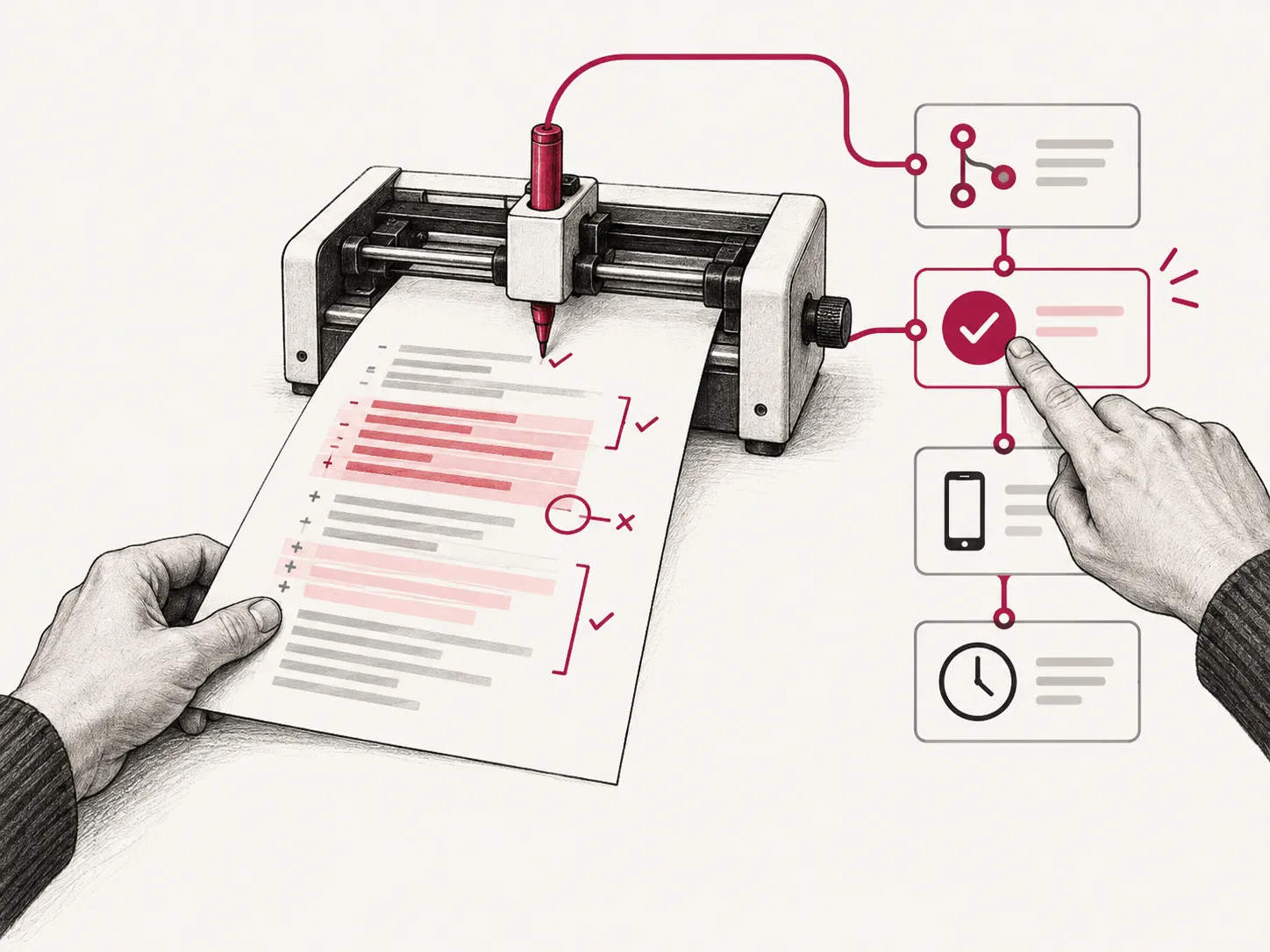
An AI assistant that reviews code and keeps the team informed
We built a TypeScript service on Azure that posts pull request, deployment, and app release notifications to Teams, and reviews code changes using language models from Azure AI Foundry.
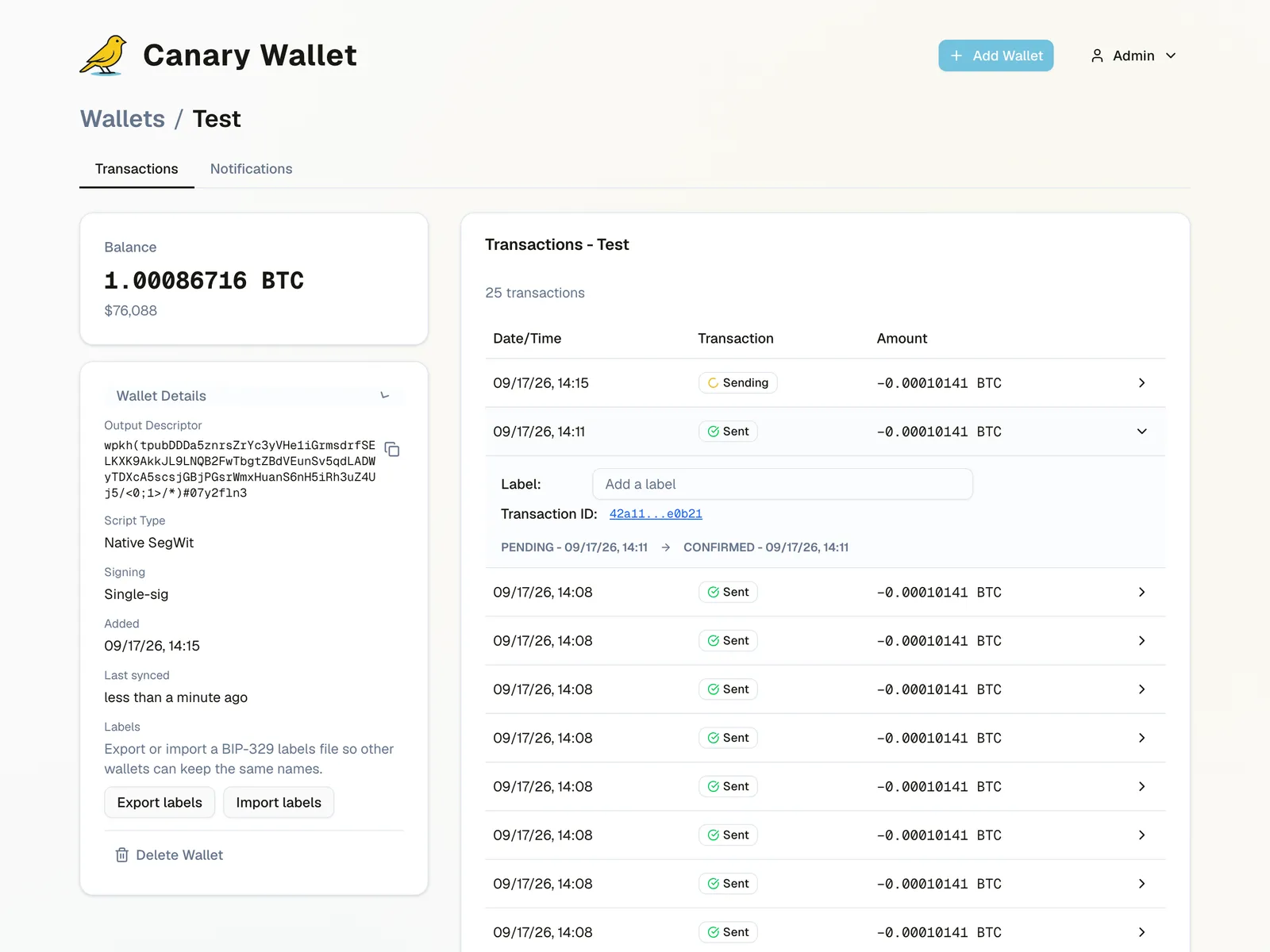
Canary: alerts when bitcoin in cold storage moves
We built Canary, a self-hostable and hosted bitcoin monitoring service with a Rust backend and a Next.js frontend, sending alerts via ntfy, Nostr, email, and SMS.
Open source
- canary-startos
StartOS package for Canary, written in TypeScript.
Frequently asked questions
Why TypeScript on the backend?
With TypeScript on both frontend and backend, types and validation rules can be shared, and many errors are caught before the code runs. That makes it easier for one team to work across the whole solution.
How do you keep APIs and clients in sync?
We start from an OpenAPI specification and generate typed clients with openapi-typescript. Changes to the API then show up as type errors exactly where they need handling.
Where do the services run?
That depends on the need. We package services in Docker for cloud platforms such as Azure, and use Cloudflare Workers for small, fast services close to the user.
Can you automate our release routines?
Yes. We have built tools that track builds and releases in Azure DevOps, App Store Connect, and Google Play, and post updates to the team in Microsoft Teams.
How do you test Node.js services?
We use Vitest or node:test for unit tests, Supertest for API tests, and Playwright where a flow goes through a browser.
Related technologies
Part of the service: Backend development and integrations
.NET and C#
APIs, microservices, and integrations in C# and .NET, from new services to modernising older codebases to .NET 10.
Read moreRust development
Rust backends with Axum and Tokio for long-running, security-sensitive services, with tests, Docker, and packaging for self-hosting.
Read moreGo development
APIs, background jobs, and libraries in Go, with a focus on simple operations and predictable performance.
Read moreNeed help with TypeScript and Node.js?
Tell us briefly about the product, the team, or the system. We will respond with a practical suggestion for the next step — a complete delivery, senior capacity in your team, or technical advice.
- Phone
- +47 920 50 946
- Location
- Oslo, Norway