iOS development
Native apps for iPhone, iPad, Apple Watch, and Apple TV — built in Swift and SwiftUI by developers who have shipped iOS apps for some of Norway’s most widely used services.

Tools and frameworks we use
- Swift 6
- SwiftUI
- UIKit
- SwiftData
- WidgetKit
- tvOS
- watchOS
- Swift Package Manager
- Swift OpenAPI Generator
- XCTest and Swift Testing
- TestFlight and App Store Connect
iOS development that stands up to real use
A good iOS app feels fast, predictable, and at home on the platform. It uses what the phone does well — widgets, haptics, notifications, biometrics, and Apple Watch — without the user having to think about it. We have built iOS apps for more than a decade and have delivered for streaming services, banks, logistics, and loyalty programmes.
For Trumf, we contributed to a widget that takes customers straight to the QR code at checkout, with haptic confirmation once the bonus has been registered. For NRK TV and RiksTV Junior, we built streaming experiences for Apple TV and iPad with a focus on accessibility and simple navigation.
Architecture choices in Swift and SwiftUI projects
Some decisions we make early, because they are expensive to change later:
- Modules with Swift Package Manager. Features, the design system, and the networking layer live in separate packages. That gives faster builds, clear dependencies, and code that can be shared between the app, widgets, and Apple Watch.
- Generated API clients. Swift OpenAPI Generator produces the client and models from the API specification, so backend changes become compile errors instead of crashes for users.
- Swift 6 and strict concurrency checking. We use async/await and actors, and let the compiler catch data races. In older codebases, we turn on the stricter checks one module at a time.
- Simple state in SwiftUI. We start with
@Observableand clear view models, and do not introduce heavy architecture frameworks until there is a concrete need. - SwiftData where it fits. For local storage with simple models, SwiftData is a good choice. For complex sync or support for older iOS versions, we consider alternatives.
- Tests where bugs cost the most. Business logic is tested with Swift Testing, while XCTest covers UI tests of the most important flows.
More than iPhone
Many products benefit from being present on several Apple surfaces. We build lock-screen widgets, Apple Watch complications, and Apple TV apps, and share code between them so maintenance does not double. When the app is part of a larger whole, we connect it to the backend, sign-in solutions, and feature flags so the team can roll out changes gradually.
Typical engagements
A new app from idea to App Store
We take the product from prototype to published app, covering architecture, design, testing, and App Store release.
Evolving an established app
We join existing codebases, modernise from UIKit to SwiftUI where it pays off, and deliver new features without disrupting operations.
Widgets, Apple Watch, and Apple TV
We extend the product to the surfaces where users actually are — the lock screen, the wrist, and the living room — with WidgetKit, watchOS, and tvOS.
Senior iOS capacity in your team
Experienced developers who contribute from day one, raise code quality, and help the team with architecture, testing, and release routines.
Relevant experience
Projects and open-source work where the technology has been used in practice.

NRK TV
NRK, Norway’s largest broadcasting company, is investing heavily in offering options for streaming their content online. Schjønhaug AS helped develop the NRK TV app which is available for use on Apple TV.
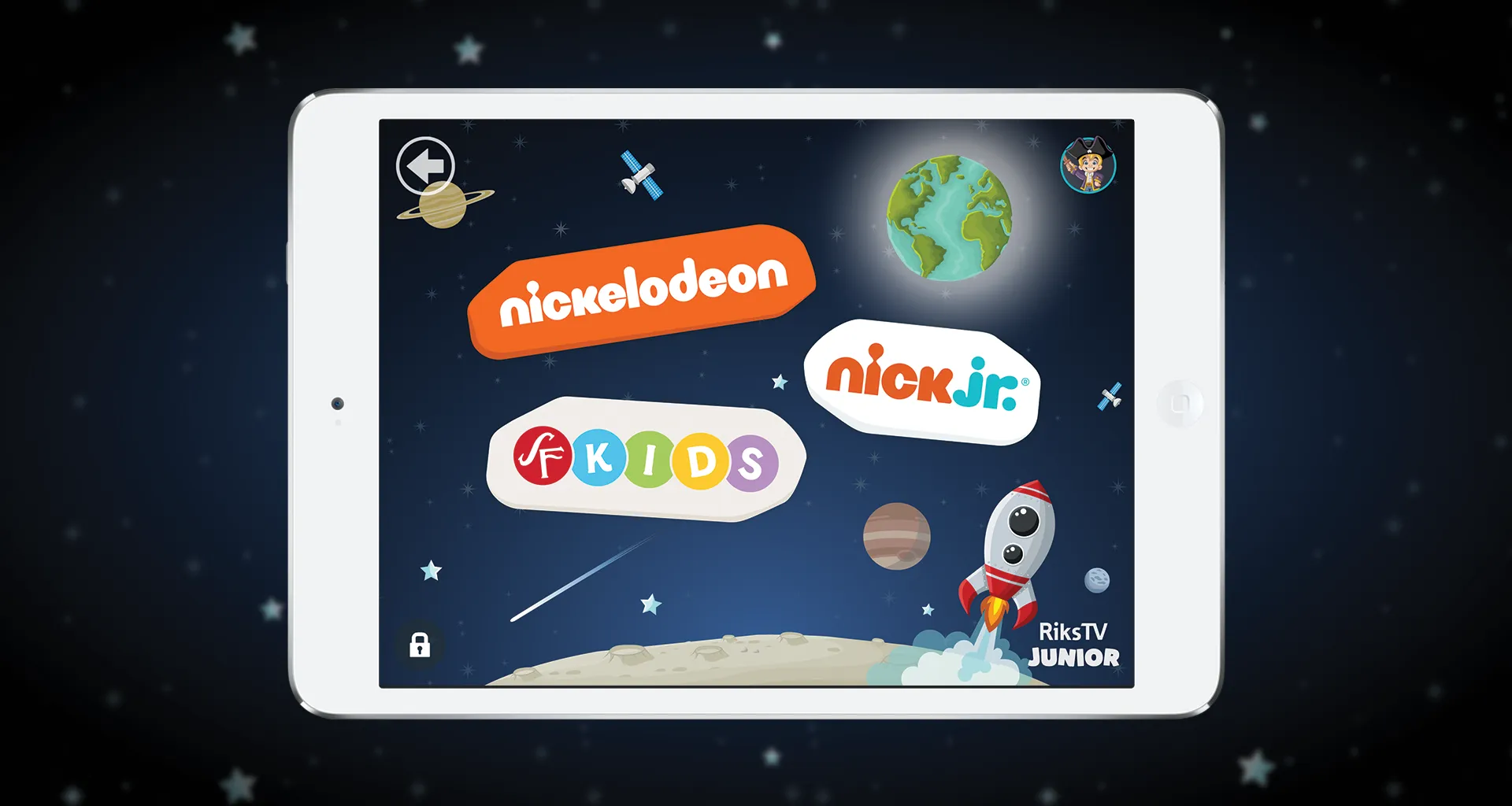
An intuitive and child-friendly app for RiksTV
Working on creating a child-friendly iOS app offered a different user testing process and many fun experiences!
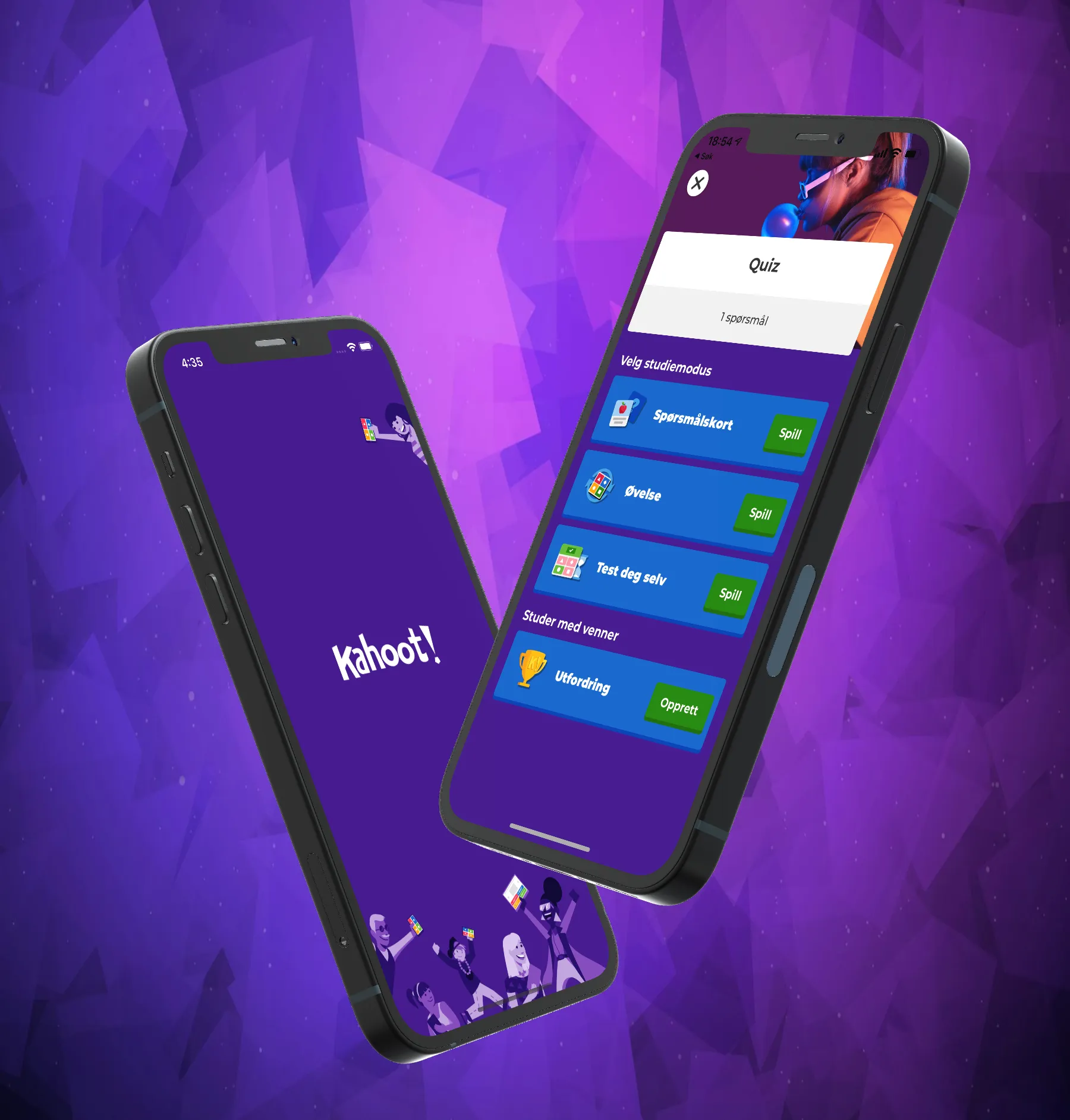
International venture and new widget for Kahoot!
Kahoot! was looking for a developer who could hit the ground running. Schjønhaug AS came highly recommended by others, and ended up being their top choice.
Open source
- nostr-passkey-poc
A Swift proof of concept that derives a Nostr identity from a passkey using AuthenticationServices.
Frequently asked questions
Do you build native or cross-platform apps?
We usually recommend native development in Swift when the experience, performance, or access to platform features matters. Where the need calls for it, we can also combine a native shell with web content or share logic between iOS and Android.
Can you take over an existing iOS app?
Yes. We start by reviewing the codebase, dependencies, build setup, and release routines, then propose a plan for what to improve first.
Do you help with App Store publishing?
Yes. We set up signing, TestFlight, App Store Connect, and automated builds so that new versions can be released safely and often.
Do you work with SwiftUI or UIKit?
Both. New screens are normally built in SwiftUI, while UIKit is still the right choice in parts of many established apps. We choose whatever gives the best result for the product.
How quickly can you start?
Get in touch with a short description of what you need, and we will respond with an assessment of scope and when we can contribute.
Related technologies
Part of the service: Web and app development
Android development
Native Android apps in Kotlin and Jetpack Compose, from new products to the continued development of established apps and multi-brand apps from one codebase.
Read moreReact and Next.js
Websites and web apps in React and Next.js with TypeScript, from new products to design systems and several brands from one codebase.
Read moreNeed help with iOS?
Tell us briefly about the product, the team, or the system. We will respond with a practical suggestion for the next step — a complete delivery, senior capacity in your team, or technical advice.
- Phone
- +47 920 50 946
- Location
- Oslo, Norway